Fiverr VS Upwork Which is Better
19 June 2023
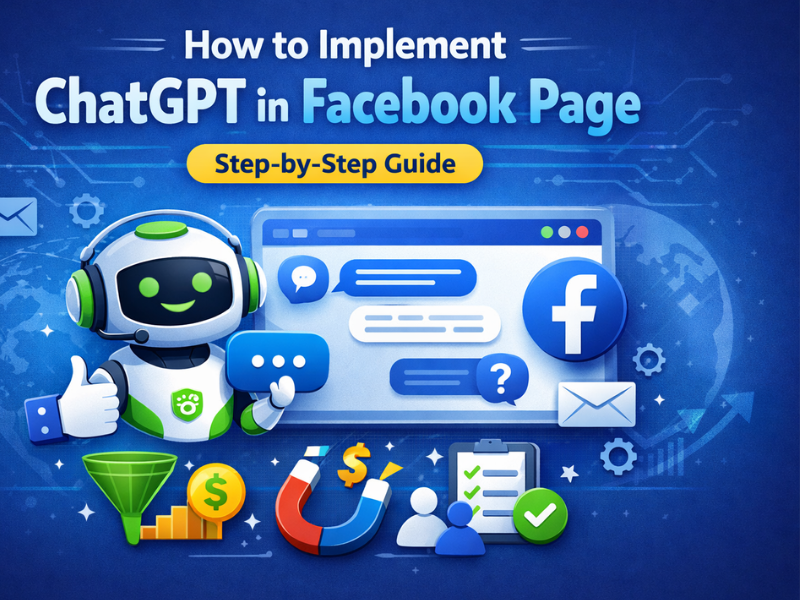
Automate Facebook customer replies using ChatGPT & AI automation — explained simply for businesses.
Facebook Pages receive thousands of messages daily, but replying manually is time-consuming and inefficient. With ChatGPT integration for Facebook Pages, businesses can provide instant, human-like responses 24/7.
In this guide, you’ll learn how to implement ChatGPT in a Facebook Page, the tools required, benefits, and best practices — even if you are not a developer.
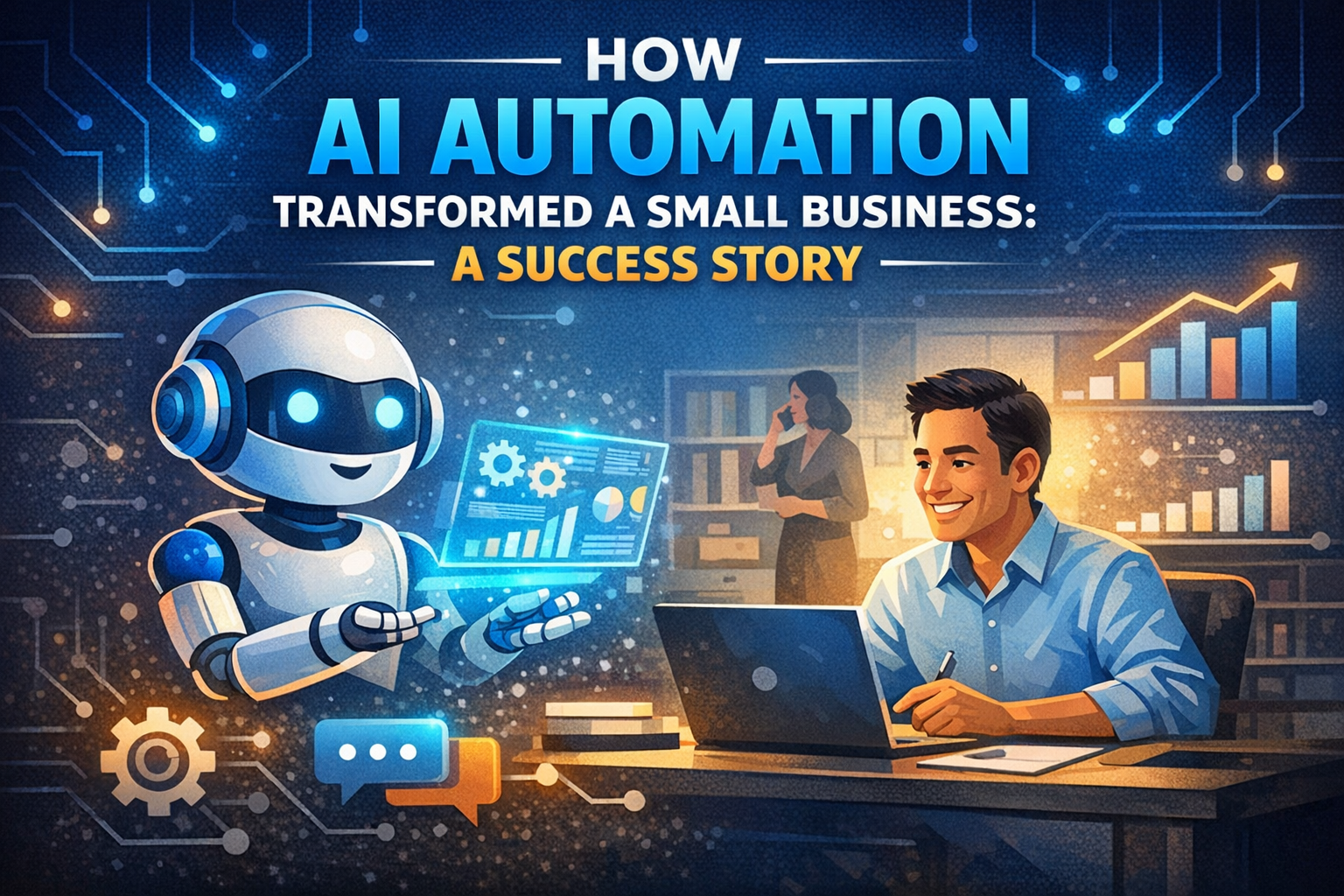
ChatGPT does not directly connect to Facebook. Instead, it works through an AI automation workflow.
Go to Facebook Developers, create a new app, and enable the Messenger API for your Facebook Page.
Set up a webhook to receive incoming messages from your Facebook Page. This webhook will forward messages to ChatGPT.
Create an OpenAI account and generate an API key to access ChatGPT responses programmatically.
Send the user message to ChatGPT, process the response, and apply business rules such as greetings, FAQs, or fallback messages.
The AI-generated response is sent back to the Facebook Messenger thread in real time.
Yes. Using AI automation platforms or custom-built solutions, you can integrate ChatGPT into Facebook Messenger without writing complex code.
Twintech Soft provides complete ChatGPT Facebook Page automation with setup, training, and ongoing support.
If you want a secure, scalable, and business-ready solution, explore our professional service:
👉 AI Automation Services by Twintech Soft
Stop replying manually. Let AI handle your Facebook messages 24/7.
✅ Custom AI chatbot
✅ Business-specific training
✅ Lead capture & analytics
Contact Twintech Soft today for a free consultation and demo.
Yes, as long as it follows Facebook Messenger platform policies.
ChatGPT handles up to 80% of repetitive queries. Humans can handle complex cases.
Yes, when implemented correctly with secure APIs and data handling.

19 June 2023
17 December 2025