Fiverr VS Upwork Which is Better
19 June 2023
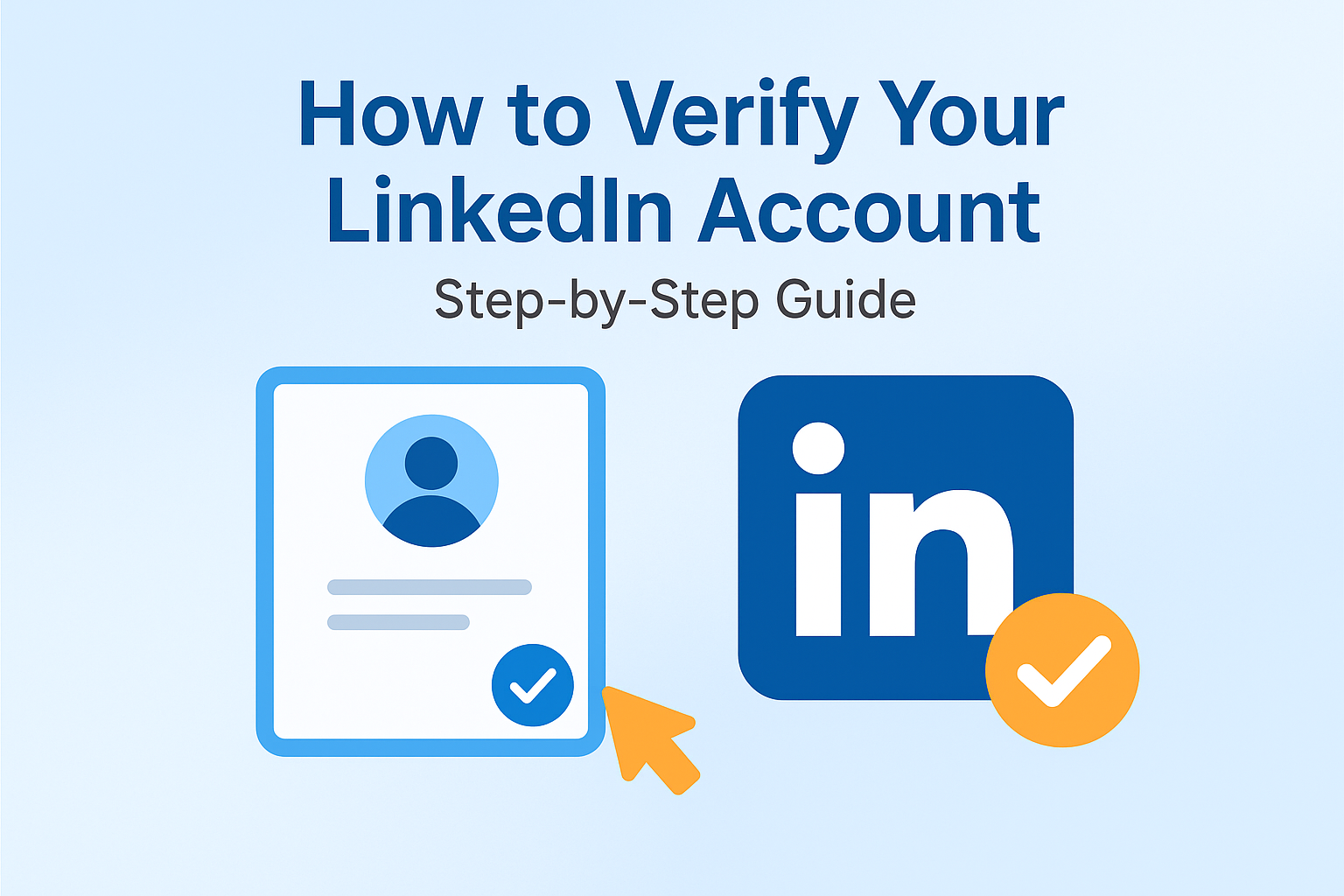
Learn how to get the official LinkedIn verification badge and build instant trust ✨
LinkedIn account verification helps prove your identity and increases credibility, visibility, and trust on the platform. Whether you are a professional, freelancer, or business owner, a verified LinkedIn profile makes you stand out in search results and connection requests.
LinkedIn verification is a feature that confirms your identity using trusted partners such as government ID or work email verification. Once verified, a small ✔ Verified badge appears on your profile.
Make sure your profile photo, name, and details match your official documents. Use a professional email and keep your LinkedIn profile complete and updated.

19 June 2023
17 December 2025